
How to Take Better Product Photos for sanalist Listings
Better photos help buyers understand your product faster, build trust, reduce unnecessary questions and improve the quality of your sanalist listing. This guide shows sellers how to take clear, search-friendly and buyer-focused product photos using the right lighting, angles, backgrounds, aspect ratios and AI enhancement tools.
What makes a good product photo for a sanalist listing?
A good sanalist product photo is clear, well-lit, properly cropped, shows the real item, uses a clean background and highlights the product from useful angles. sanalist recommends 1:1 square and 3:4 portrait photos as the best options, while 4:3, 2:3 and 3:2 are also accepted when they show the product clearly.
Best Aspect Ratio
1:1 Square
Second Best Ratio
3:4 Portrait
Accepted Ratios
1:1, 3:4, 4:3, 2:3, 3:2
Recommended Tool
Ailited AI
Why Product Photos Matter for SEO, Buyer Trust and Faster Sales
Product photos are not just decoration. They help buyers understand what you are selling, improve listing engagement and support search visibility when images are relevant, properly named, well described and placed near useful product information.
Better Search Understanding
Descriptive image filenames, alt text and surrounding content help search engines understand what the image represents.
Higher Buyer Confidence
Clear real photos make buyers more comfortable contacting you because they can see condition, size, colour and details.
More Clicks from Listings
A clean first image can make your product stand out in search results, category pages and listing grids.
Fewer Repeated Questions
Showing multiple angles, labels, defects and accessories reduces unnecessary buyer questions.
How to Take Better Product Photos for sanalist Listings: Step by Step
Follow this process before uploading photos to your listing. It works for phones, laptops, cars, furniture, fashion, beauty products, appliances, machinery, property items and general marketplace products.
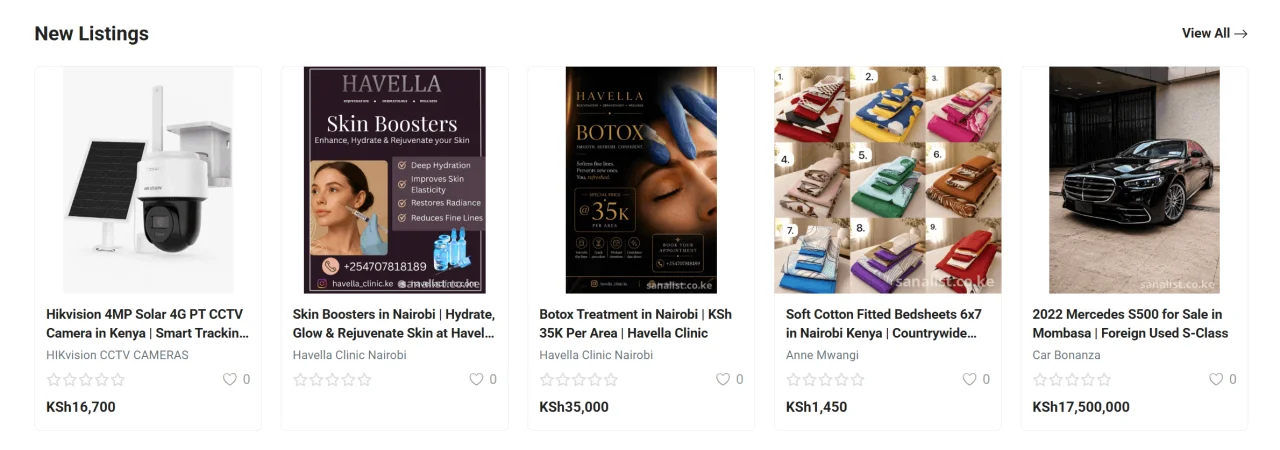
Step 1: Clean the Product
Wipe dust, fingerprints, stains or packaging marks before taking photos. A clean product looks more trustworthy and more valuable.
Step 2: Use Good Lighting
Use natural daylight near a window or bright soft light. Avoid dark rooms, harsh shadows, coloured lighting and flash glare.
Step 3: Choose a Clean Background
Use a plain wall, clean table, white background or neutral surface so the product remains the main focus.
Step 4: Take Multiple Angles
Capture the front, back, sides, close-ups, labels, accessories, packaging and any defects if the item is used.
Step 5: Crop to the Right Aspect Ratio
Use 1:1 square or 3:4 portrait for best results on sanalist. You may also use 4:3, 2:3 or 3:2 if the product fits better.
Step 6: Rename Images for SEO
Use descriptive filenames before uploading, such as samsung-galaxy-s23-nairobi.jpg instead of IMG_2033.jpg.
Step 7: Enhance with Ailited AI
Use Ailited AI to improve product creatives, clean up presentation, generate polished visuals and prepare stronger listing images.
Step 8: Upload the Best Photo First
Your first image should be the clearest and most complete product view because it usually acts as the main listing photo.
Recommended sanalist Photo Aspect Ratios
sanalist recommends product images that fit well in listing grids, search results and product detail pages. The safest and most attractive options are 1:1 square and 3:4 portrait.
1:1 Square
Best recommended for product grids, thumbnails, electronics, home items, beauty products, accessories and most general items.
Recommended size example: 1500 x 1500 pixels.
3:4 Portrait
Best recommended for fashion, beauty, models, furniture, tall products, lifestyle shots and mobile-friendly visual browsing.
Recommended size example: 1200 x 1600 pixels.
4:3 Landscape
Good for cars, rooms, property interiors, wide equipment, appliances and products that naturally need more horizontal space.
Recommended size example: 1600 x 1200 pixels.
2:3 Portrait
Useful for dresses, long products, posters, tall appliances, standing models and vertical catalogue-style photos.
Recommended size example: 1200 x 1800 pixels.
3:2 Landscape
Good for vehicles, machinery, outdoor products, wide furniture and natural camera photos that need minimal cropping.
Recommended size example: 1800 x 1200 pixels.
Best Upload Strategy
Use a 1:1 square image as your main product photo, then add 3:4 or 4:3 supporting images depending on the product type.
Best combination: 1 square main photo plus 3 to 5 supporting angles.
How to Use Ailited AI to Improve Product Photos
sanalist recommends using Ailited AI at ailited.com when you need cleaner, sharper and more professional-looking product creatives. AI enhancement is useful when you have a real product photo but need better presentation for marketplace listings, marketing banners or social media promotion.
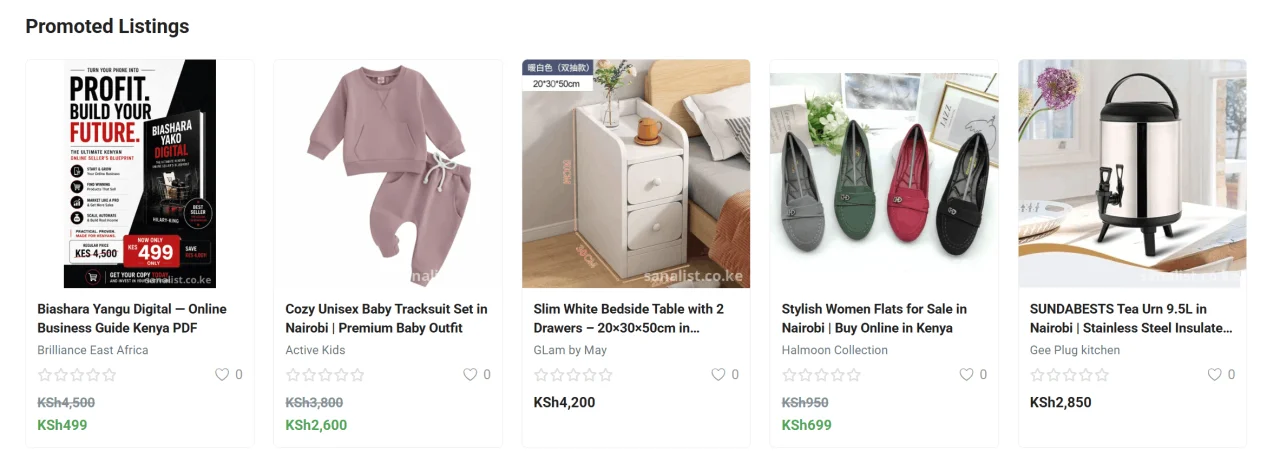
Clean Product Presentation
Use AI to improve plain product shots, remove visual clutter and create cleaner product creatives.
Better Marketing Visuals
Create polished visuals for featured listings, category promotions, social media ads and seller campaigns.
Aspect Ratio Conversion
Prepare square, portrait and landscape versions of product creatives for sanalist and other channels.
Consistent Brand Style
Sellers can create a consistent visual style across multiple listings, especially for shops, boutiques and service providers.
Important AI Photo Rule
AI can improve presentation, but your listing should still represent the real product accurately. Do not use AI to hide defects, misrepresent condition, change colours dishonestly or create a product that differs from what the buyer will receive.
Open Ailited AIProduct Photo SEO Checklist for sanalist Sellers
Image SEO starts before upload. Use clear filenames, relevant descriptions and accurate listing content so your product photos support both buyers and search engines.
Use Descriptive File Names
Rename files before upload. Use product, brand, model and location where relevant.
Write Clear Image Alt Text
Describe what is shown in the image naturally. Avoid keyword stuffing.
Upload High-Resolution Photos
Use sharp images large enough to show details clearly without pixelation or blur.
Compress Without Losing Quality
Large images can slow pages. Compress photos while keeping them clear and sharp.
Match Photos to Description
Photos should support the title, price, condition, category and product description.
Use the Best Main Image
Place the clearest, most complete and most buyer-friendly photo first.
Category-Specific Product Photo Tips
Different categories need different photos. Use these tips to help buyers understand exactly what they are getting.
Phones and Electronics
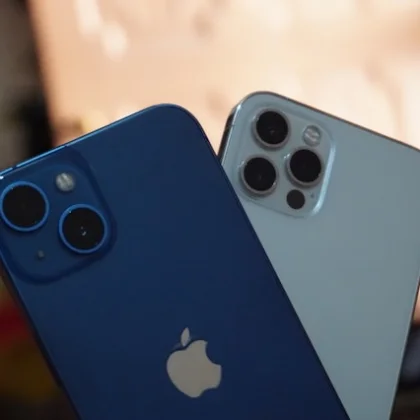
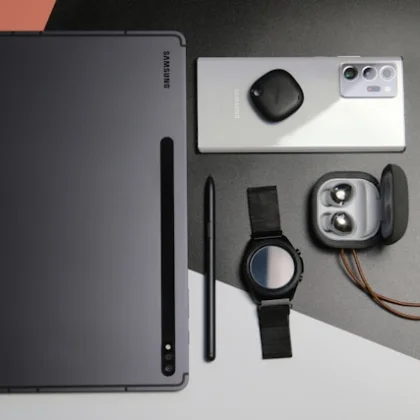
Show the front, back, ports, accessories, receipt, warranty, battery health and any scratches or cracks.
Best ratio: 1:1 square for main image.
Fashion and Beauty
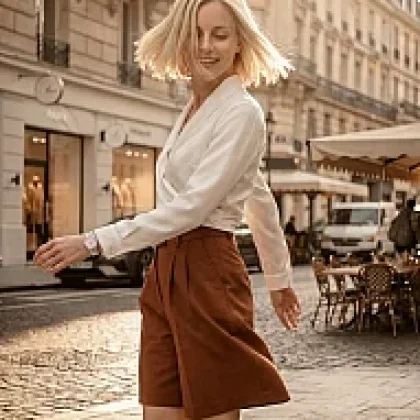
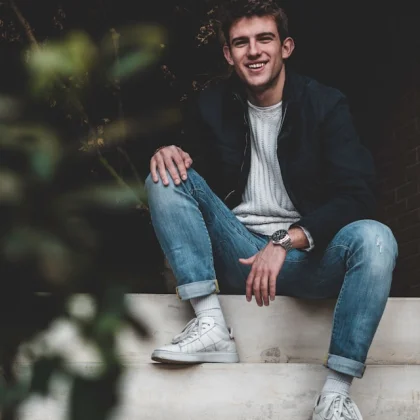
Show front, back, fabric texture, labels, size, colour and how the item looks when worn or styled.
Best ratio: 3:4 portrait or 2:3 portrait.
Cars and Motor Vehicles
Show exterior angles, interior, dashboard, mileage, tyres, engine bay, logbook-related details and any visible defects.
Best ratio: 4:3 or 3:2 landscape.
Property and Rentals
Show exterior, rooms, kitchen, bathroom, parking, road access, compound, views and nearby landmarks.
Best ratio: 4:3 landscape or 3:2 landscape.
Furniture and Home Items
Show the full item, close-up material, size reference, legs, joints, storage areas and any marks or wear.
Best ratio: 1:1 square or 4:3 landscape.
Machinery and Equipment
Show the machine body, engine, serial plate, controls, attachments, tyres, working condition and any wear.
Best ratio: 4:3 or 3:2 landscape.
Common Product Photo Mistakes to Avoid
Poor photos can make a good product look suspicious, low quality or overpriced. Avoid these mistakes before publishing your sanalist listing.
Blurry Photos
Retake any image that is shaky, out of focus or too dark for buyers to inspect details.
Busy Backgrounds
Avoid cluttered bedrooms, messy floors, distracting walls or unrelated objects around the product.
Misleading Editing
Do not edit photos in a way that hides scratches, damage, colour differences or product condition.
Only One Photo
One image is rarely enough. Add multiple angles so buyers can trust what they are seeing.
Product Photo Upload Checklist
Use this checklist before publishing or updating your listing photos on sanalist.
Frequently Asked Questions About sanalist Product Photos
These answers help sellers upload better product images, improve listing quality and avoid common photo mistakes.
What is the best photo size for sanalist listings?
The best aspect ratio for sanalist listings is 1:1 square, followed by 3:4 portrait. Accepted ratios include 1:1, 3:4, 4:3, 2:3 and 3:2.
How many product photos should I upload?
Upload at least 3 to 5 clear photos. Include the main product view, side views, close-ups, labels, accessories and any defects if the item is used.
Can I use AI-generated product photos?
You can use AI tools such as Ailited AI to improve presentation, but the final image should accurately represent the real product. Do not use AI to hide defects or mislead buyers.
Why are product photos important for SEO?
Product photos support SEO when they are relevant, clearly named, paired with useful listing descriptions and given accurate alt text. Good images can also improve engagement and buyer trust.
What should I avoid in product photos?
Avoid blurry images, dark lighting, cluttered backgrounds, misleading edits, copied photos, heavy filters and images that do not match the actual product.
Ready to Improve Your sanalist Listing Photos?
Strong product photos can help your listing look more credible, attract more serious buyers and support better search visibility. Start with clear real photos, use the recommended aspect ratios and improve your visuals with Ailited AI when needed.
Recommended workflow for sellers
Take real product photos first, crop the best image to 1:1 square or 3:4 portrait, rename the file descriptively, enhance the presentation using Ailited AI if necessary, then upload the strongest image first on sanalist.
Better photos make better sanalist listings.
Use clear real images, choose 1:1 or 3:4 where possible, write descriptive filenames and enhance your product creatives responsibly with Ailited AI.